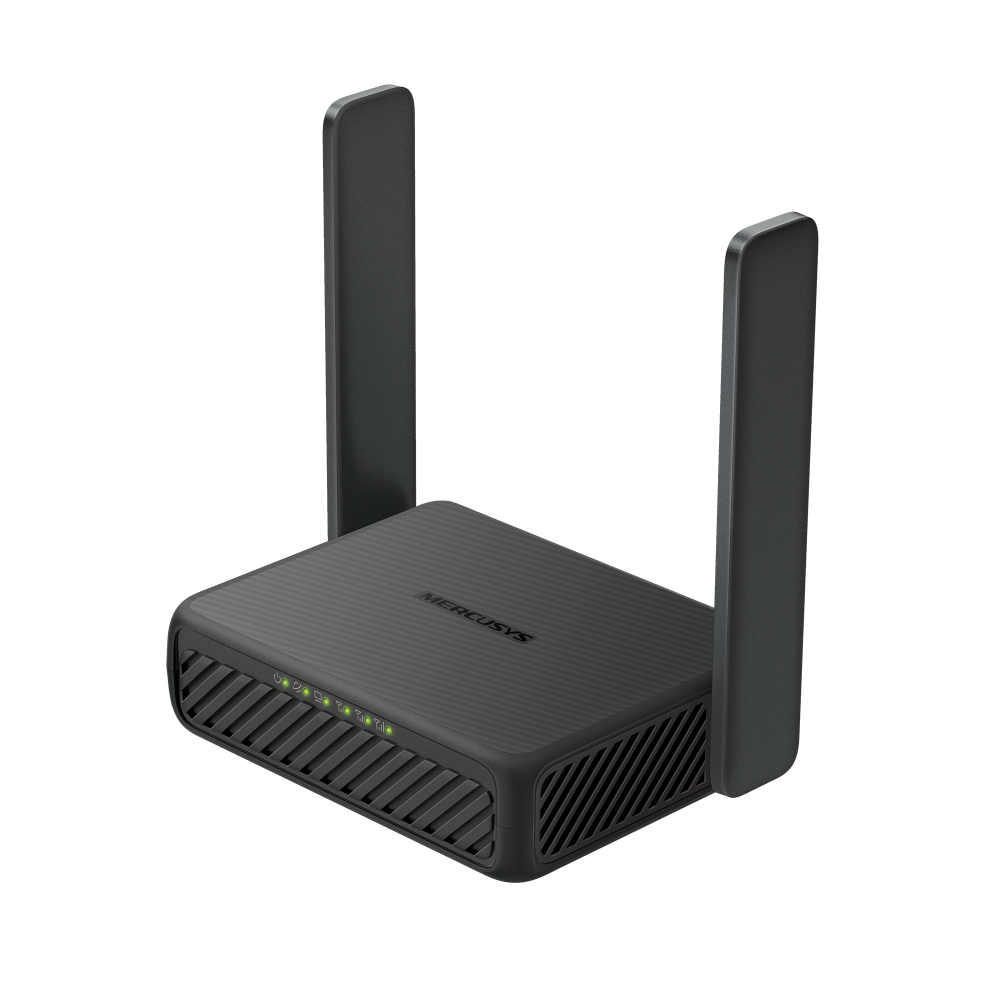
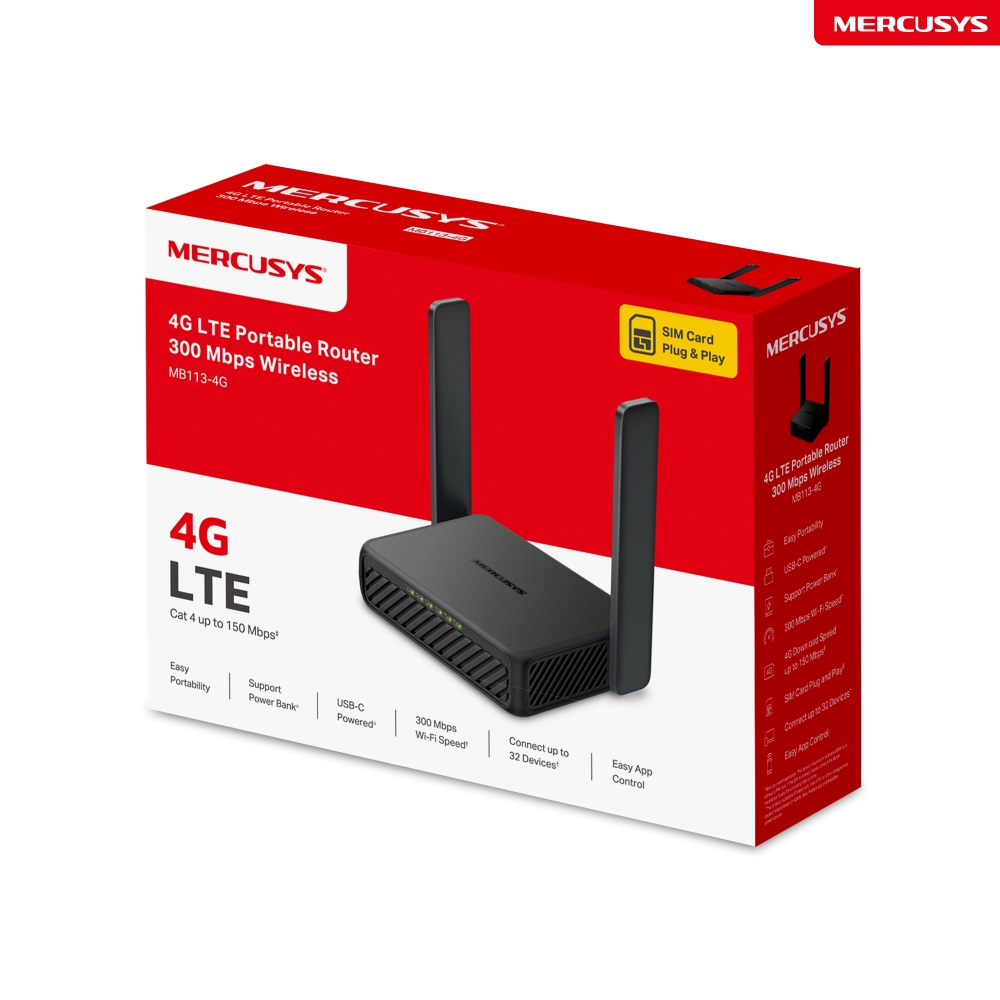
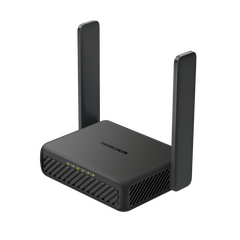
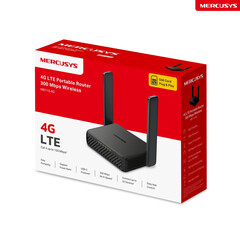
Wireless 4G LTE Portable Router Mercusys MB113-4G 300 Mbps
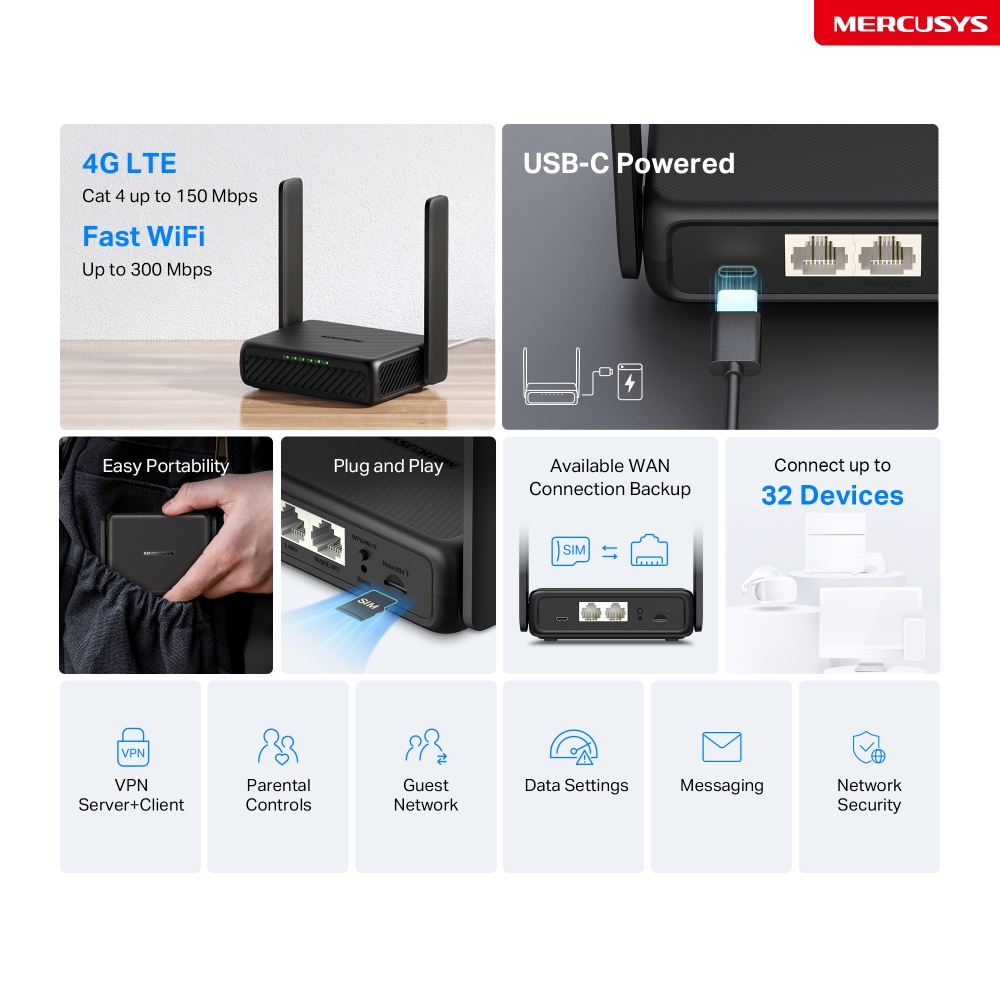
4G Network – Share internet access with up to 32 Wi-Fi devices and enjoy download speeds of up to 150 Mbps.
300 Mbps WiFi – Fast WiFi speeds up to 300 Mbps to share your network.
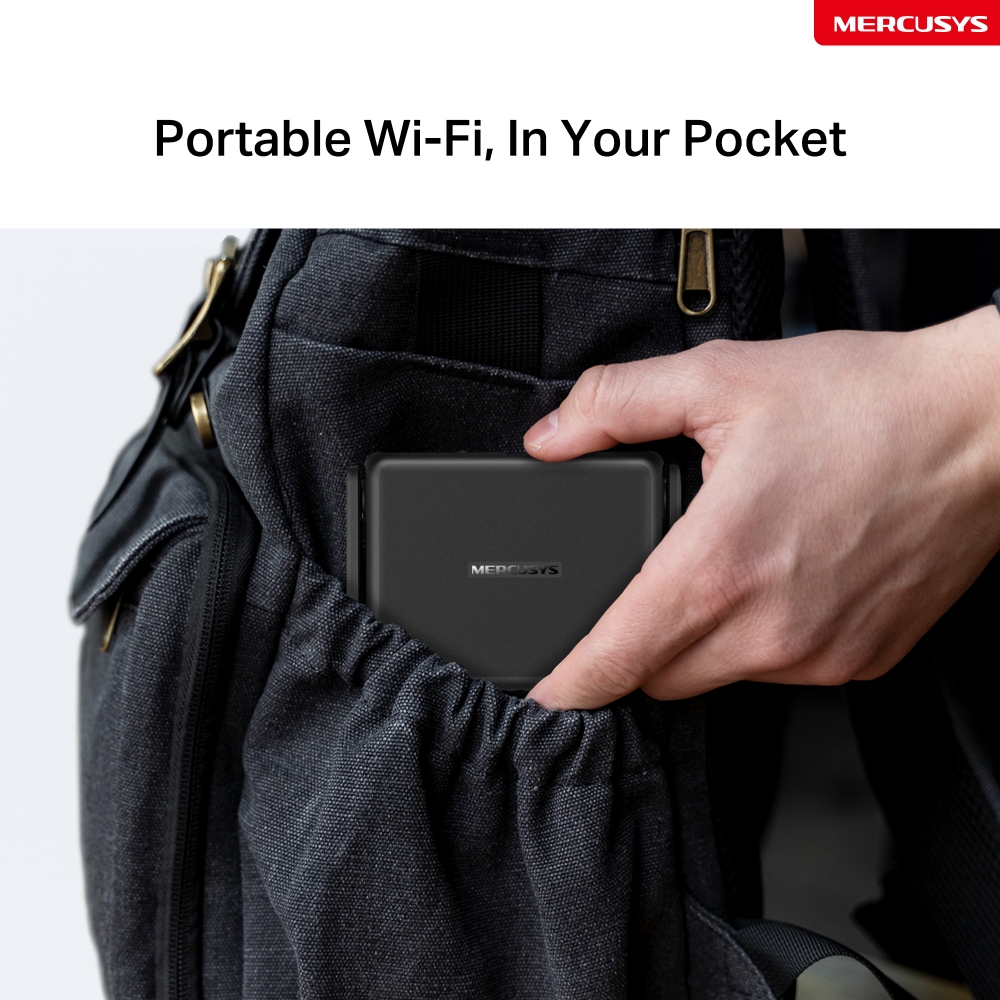
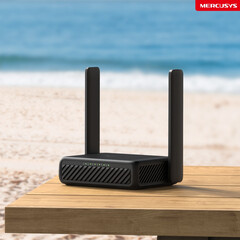
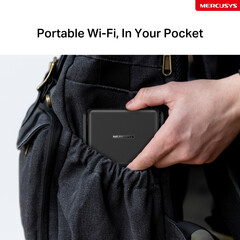
Easy Portability – Phone-sized with foldable antennas, MB113-4G slips easily into a bag or even your pocket.
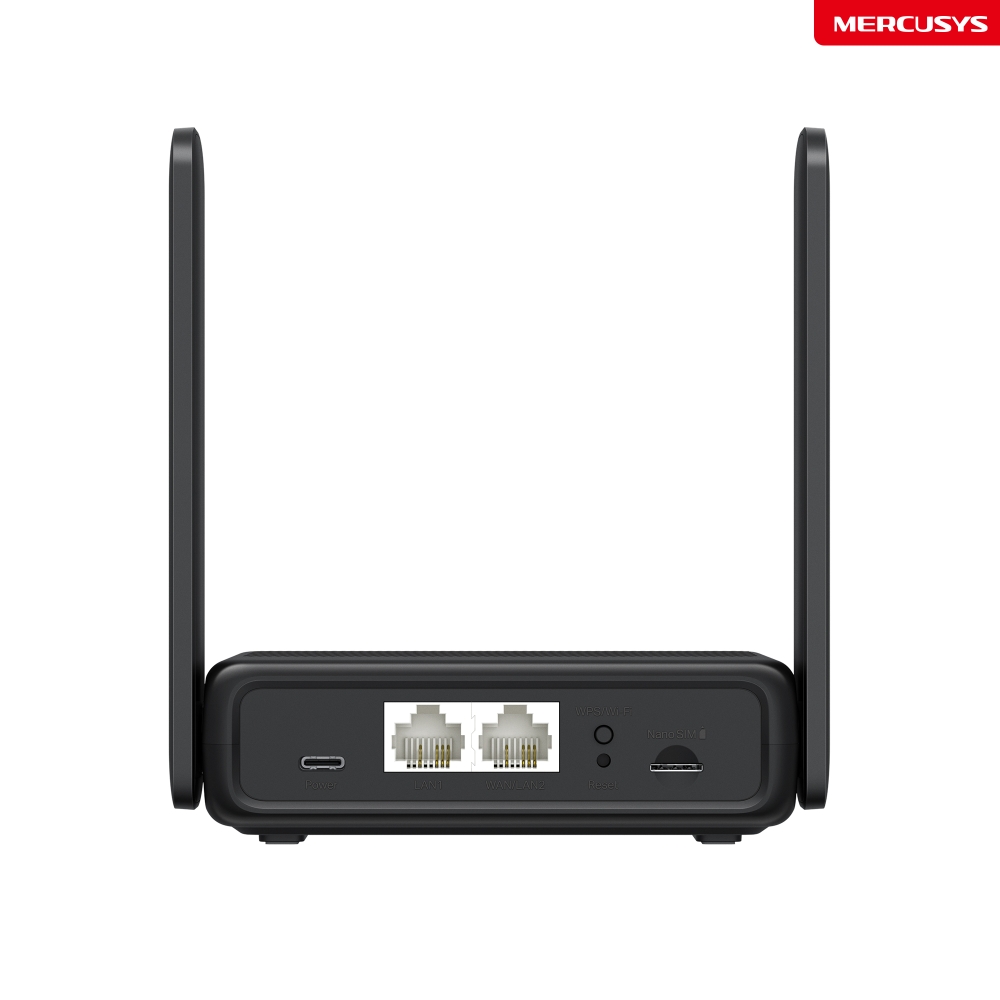
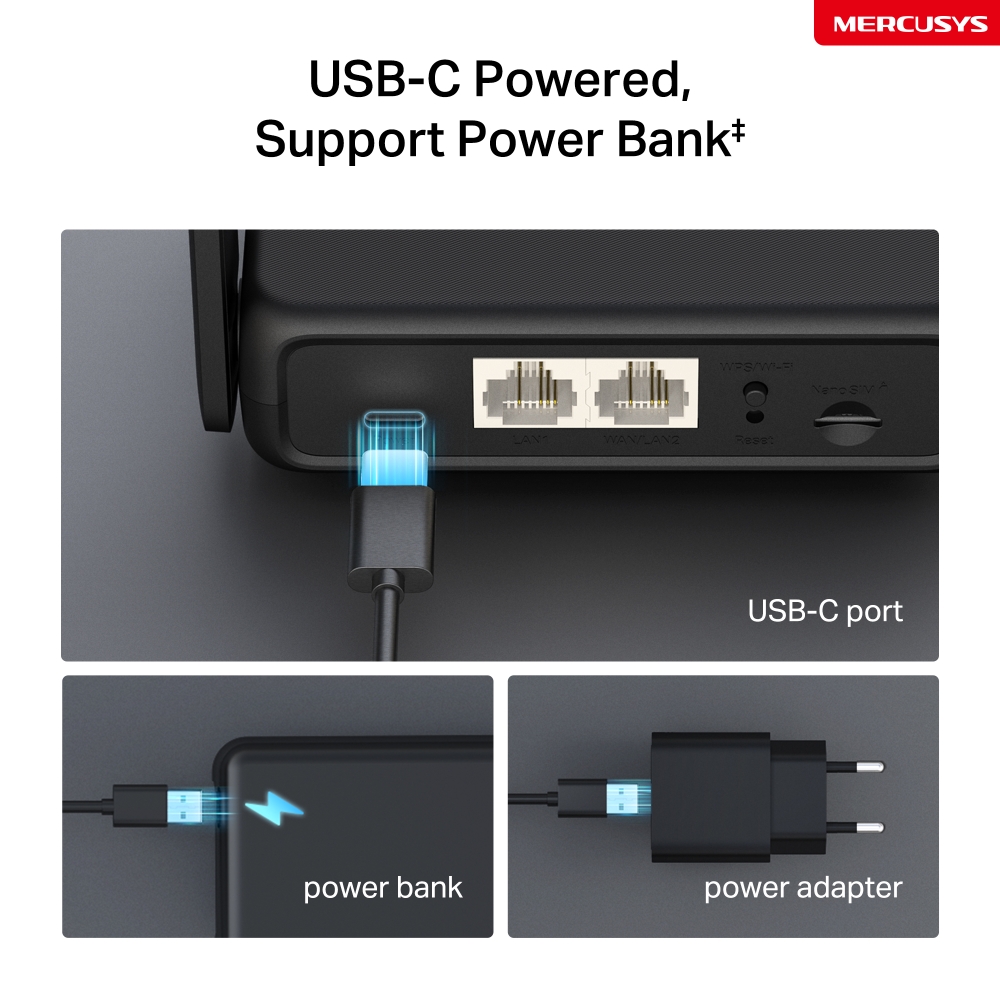
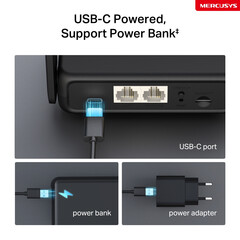
Support Power Bank – With its USB-C port, MB113-4G also supports power bank charging .
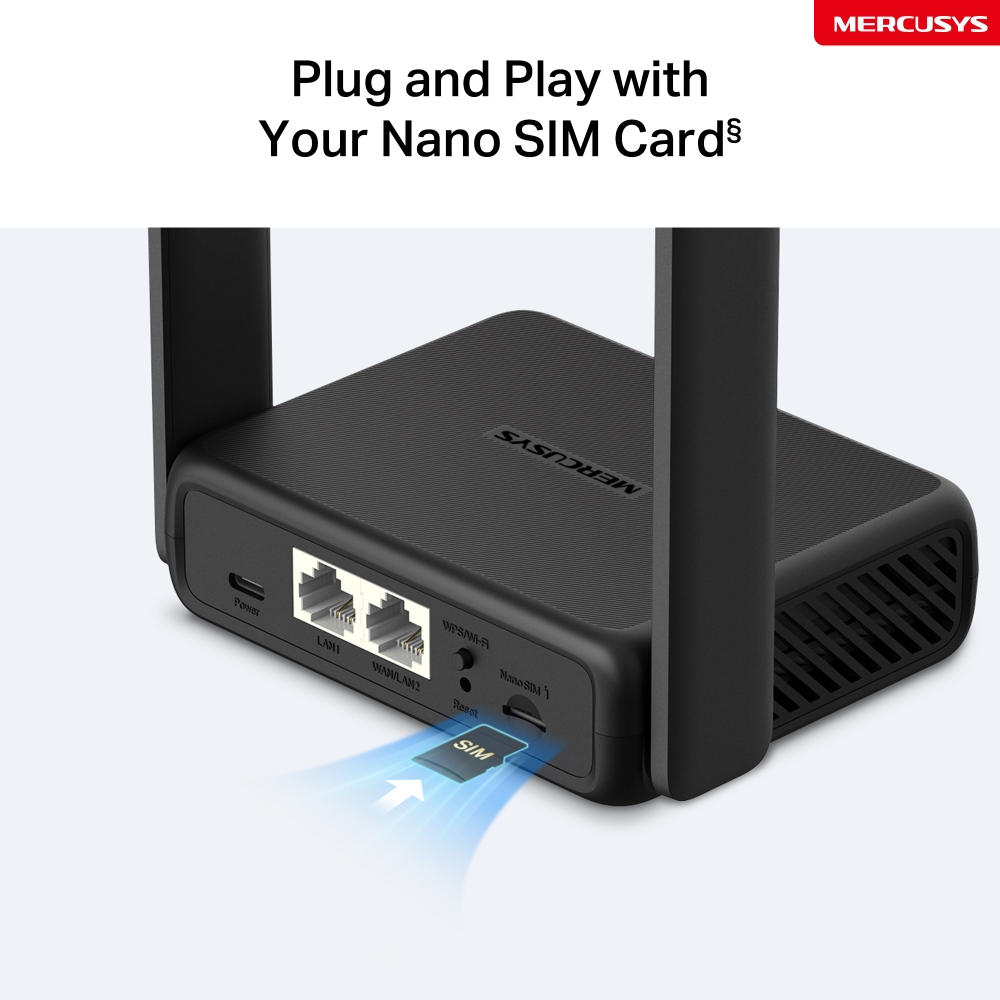
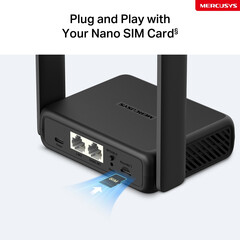
Plug a SIM Card and Play – No configurations needed, compatibility of SIM cards are assured by years of field tests .
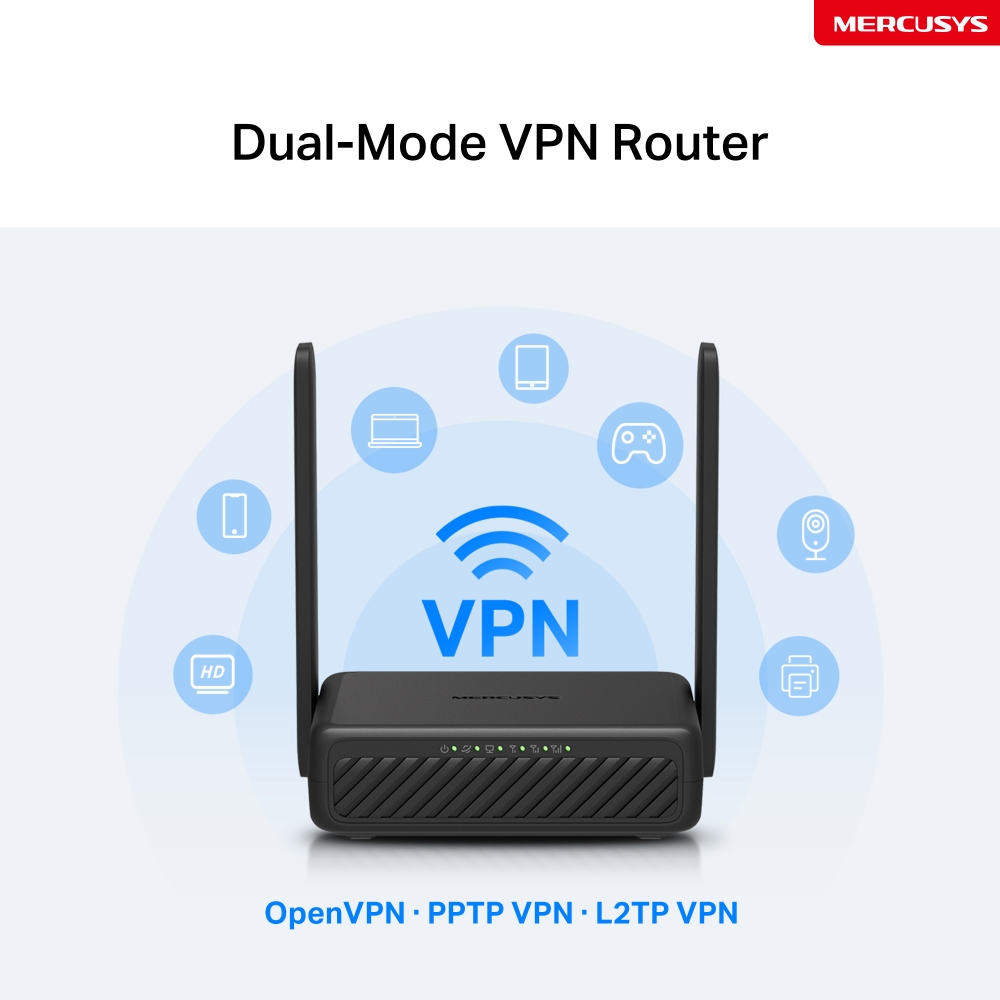
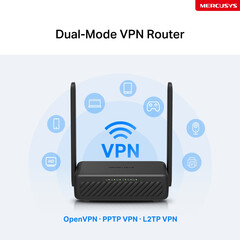
Dual-Mode VPN Router - One device, two modes: Client Mode encrypts your entire home network; Server Mode lets you access home devices remotely.
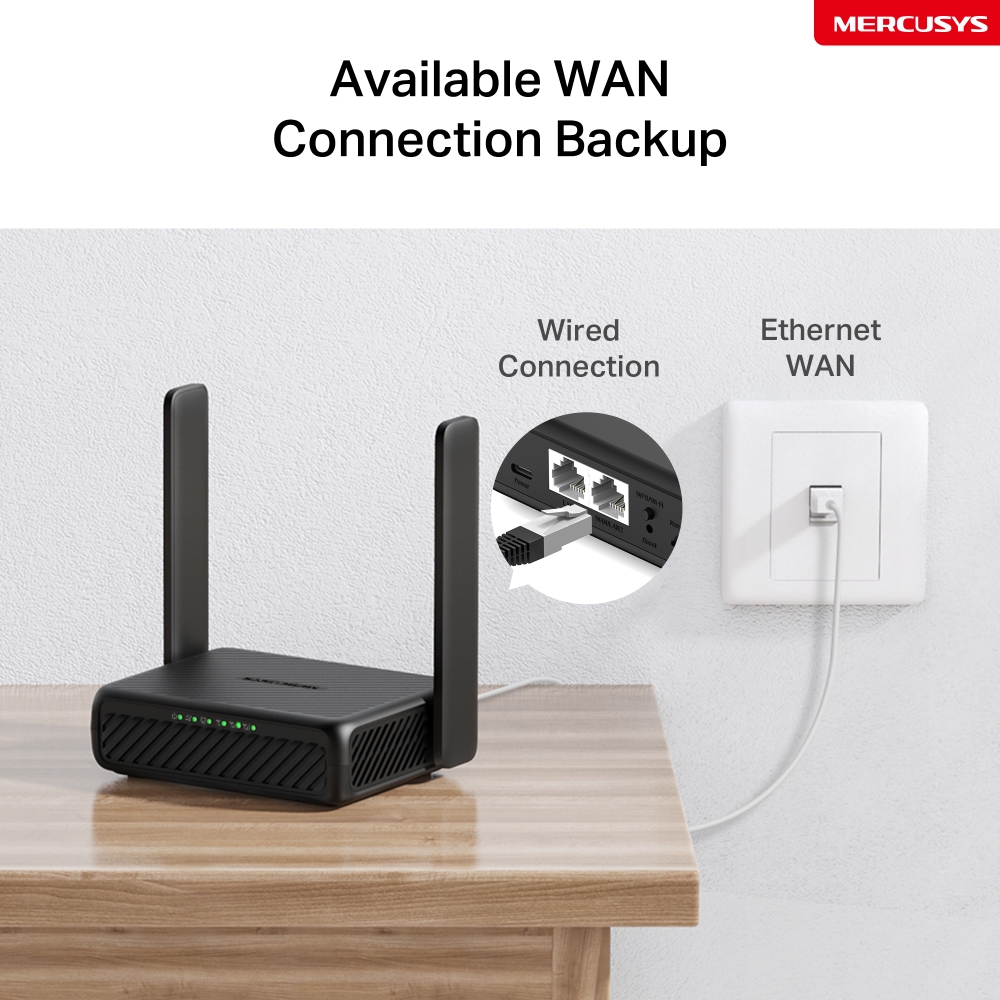
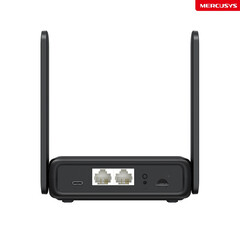
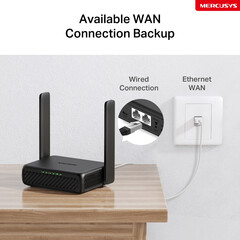
Wi-Fi Router Mode – Plug an Ethernet cable into the LAN/WAN port for flexible access if you can't get a 4G connection.
*Notes: Make sure your SIM card is unlocked.
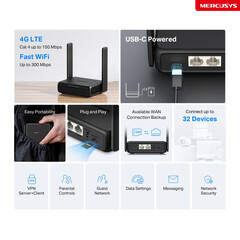
4G LTE
Cat 4 up to 150 Mbps
Fast WiFi Up to 300 Mbps
USB-C Powered
Easy Portability
Plug and Play
Available WAN Connection Backup
Connect up to 32 Devices
VPN
Server+Client
Parental Controls
Guest Network
Data Settings
Messaging
Network
Security
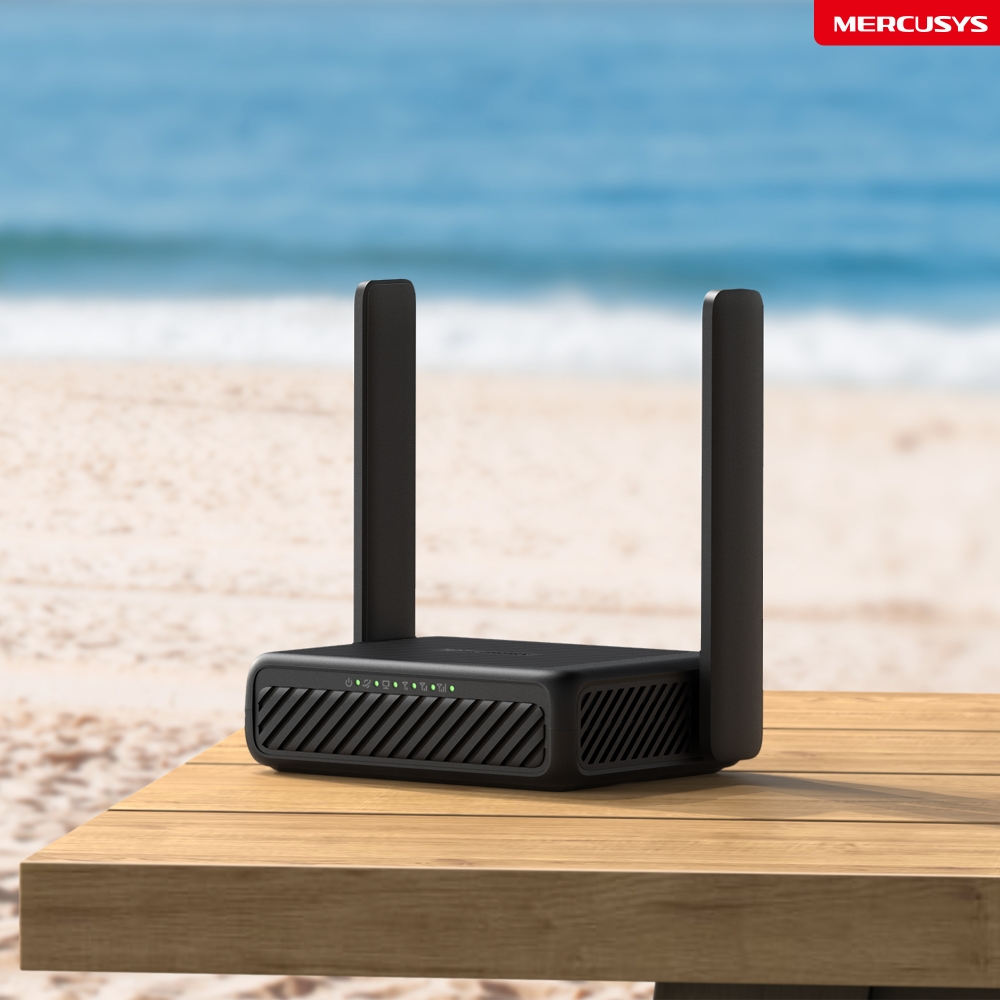
Get WiFi Where You Need It
Enjoy unmatched convenience and versatility with fast, stable WiFi whether you're at home or working remotely.
Outdoor
Travel
On Vacation
Remote Areas
Portable Wi-Fi, In Your Pocket
Phone-sized with foldable antenna, MB113-4G slips easily into a bag or even your pocket.
USB-C Powered, Support Power Bank
With its USB-C port, MB113-4G also supports power bank charging. Power it anywhere, even on the go without a power socket.
USB-C port
power bank
power adapter
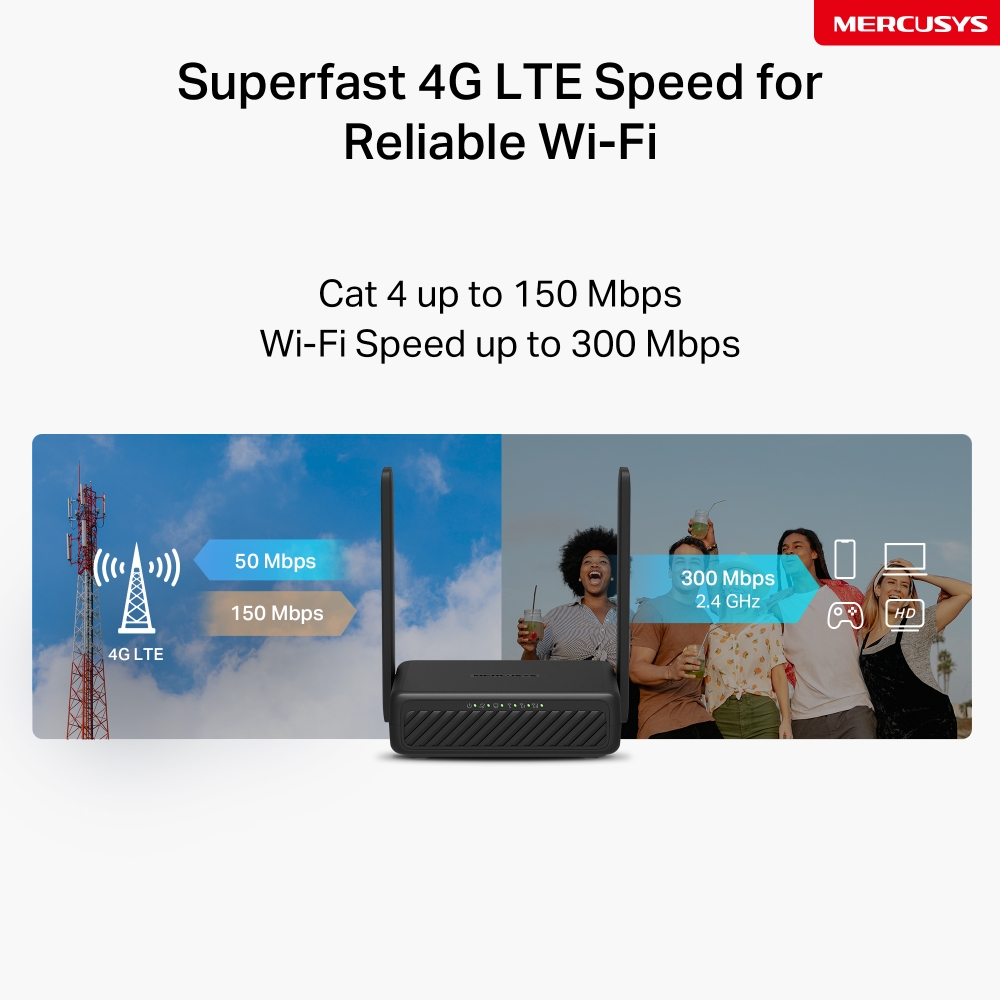
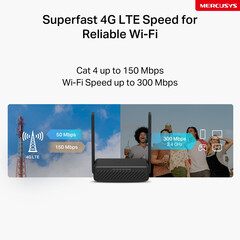
Superfast 4G LTE Speed for Reliable Wi-Fi
MB113-4G harnesses 4G LTE technology to deliver lightning-fast download speeds of up to 150 Mbps and up to 50 Mbps for uploads△. It also shares a WiFi network with a max speed of 300 Mbps on 2.4 GHz—perfect for gaming, streaming, and more☆.
*Note: Maximum wireless signal rates are the physical rates derived from IEEE Standard 802.11 specifications.
Plug and Play with Your Nano SIM Card§
Fully compatible with FDD-LTE and TDD-LTE for use with most service providers worldwide. Insert a nano SIM card and turn on the router to share your 4G LTE network with multiple WiFi devices§.
Notes: Make sure your SIM card is unlocked. If not, you can:
a. Set up the router via the MERCUSYS app and follow the app instructions to unlock your SIM card.
b. Log in to the router's web management page and go to Advanced > Network > PIN Management to verify.
Available WAN Connection Backup
With a fully functional WAN/LAN port, MB113-4G can work as a router that is compatible with cable, fiber, and DSL modems, or provide internet for wired devices.
Note: When the router is set to Wireless Router mode, it can be used as the WAN port to connect the DSL/cable Modem or Ethernet outlet. To change to this mode, refer to Set Up the Router in Wireless Router Mode. (You can check the steps in the User Guide.)
Wired Connection
Ethernet WAN
Dual-Mode VPN Router
One device, two modes. With Client Mode, your entire home network is protected: all connected devices, even those that can’t run VPN software themselves, benefit from encrypted privacy; Server Mode builds a secure tunnel to access home NAS, cameras, and more from anywhere globally.
OpenVPN · PPTP VPN · L2TP VPN
Share the WiFi with Friends
A remarkable number of wireless gadgets are compatible with this 4G router without any issues. Up to 32 simultaneous connections for tablets, laptops, mobile phones, and other devices.
Connect up to 32 Devices
Easy Setup and Management via the MERCUSYS App
Set up and manage your Wi-Fi through the MERCUSYS app from your smartphone (Android, iOS).